SOLIDWORKS' new AI page: what AURA, LEO and the built-in AI features actually do
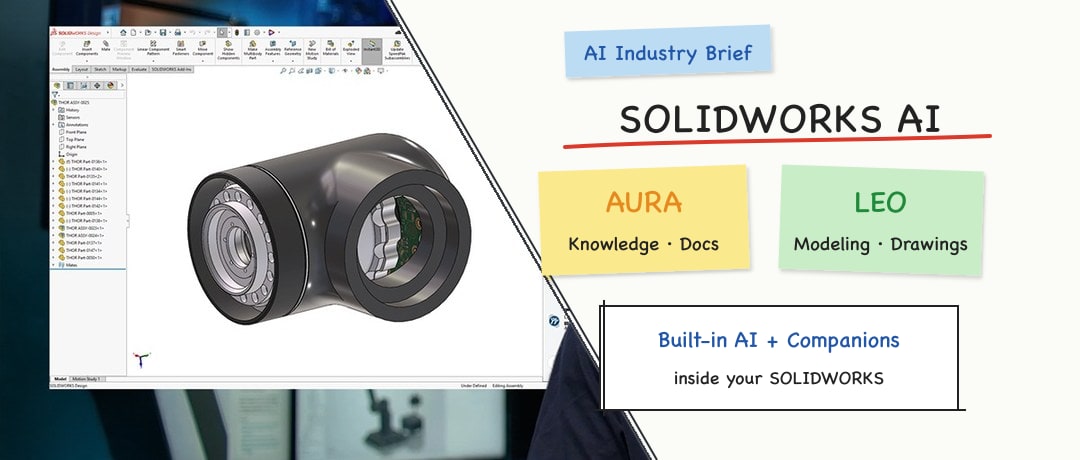
SOLIDWORKS now has a dedicated Design AI page covering built-in AI features and its AURA and LEO Virtual Companions. We sort out the two layers, the features already in release notes, tokens, data security and how this differs from external agents and community MCP servers.
In this article
This article is based on the official AI page, the Virtual Companions page, the What's New page and a reseller's activation guide, checked as of October 24, 2026. The capabilities described are vendor claims; CADFrontier has not tested them.
1. Two layers: built-in AI features and Virtual Companions
SOLIDWORKS divides its AI into two layers. Both are embedded in the SOLIDWORKS Design interface rather than in a separate, unrelated chat window.
The first layer is built-in AI features. The AI page names Command Predictor, Generative Drawings, What's Wrong analysis, an AI-powered assembly structure generator and auto-fastener recognition. The FAQ also mentions sketch analysis and repair. Most of these are click-and-follow features that do not necessarily require a conversation.
The second layer is Virtual Companions. You ask questions or give instructions in natural language. The vendor draws the distinction plainly: AI features enhance existing workflows, while Companions are assistants you can talk to that carry out specific tasks.
For mechanical engineers, the first step is to know whether you are using an AI button in a menu or talking to LEO or AURA. Mixing the two makes it easy to overestimate how mature "one prompt, one finished part" really is.
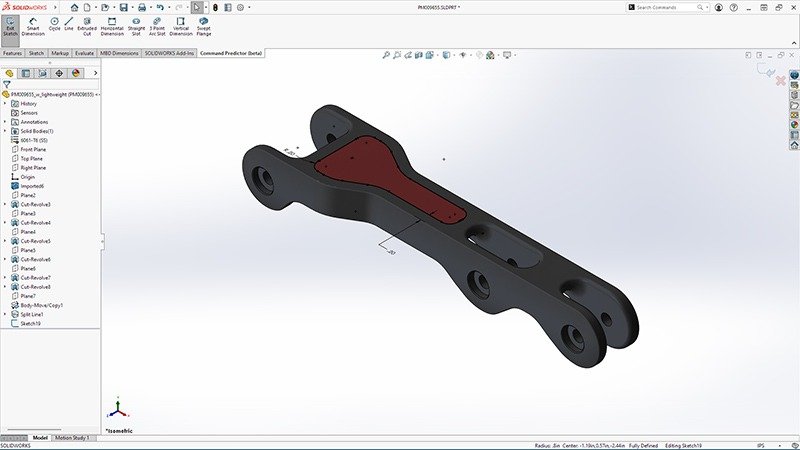
Figure 1: A built-in AI feature, Command Predictor (official screenshot). Source: image from the SOLIDWORKS AI Virtual Companions page, © Dassault Systèmes.
2. What AURA and LEO each do
According to the Companions page and the AI page, the two main assistants divide the work as follows (vendor claims).
AURA: context and knowledge. It can answer context-aware questions about the active design, assembly or project; explore documentation and design-process knowledge inside SOLIDWORKS; summarize technical discussions, design review notes and engineering documents; and help users navigate SOLIDWORKS Design and 3DEXPERIENCE platform resources faster. The AI page lists it as available today with Cloud Services.
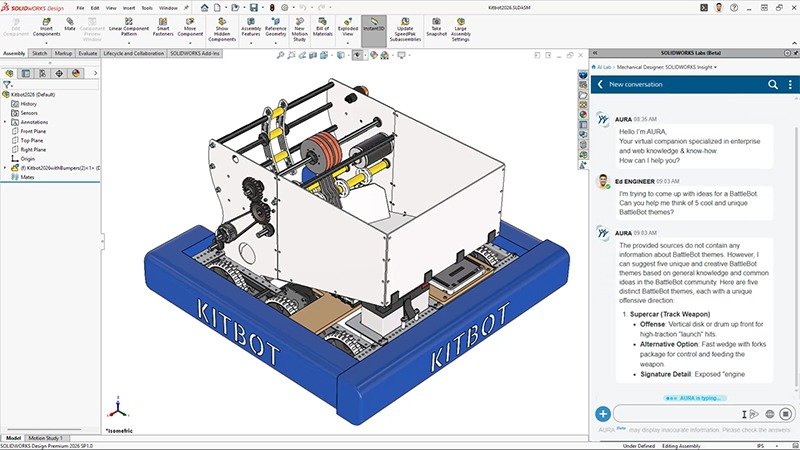
Figure 2: An AURA conversation inside SOLIDWORKS (official screenshot). Source: image from the SOLIDWORKS Design AI Overview page, © Dassault Systèmes.
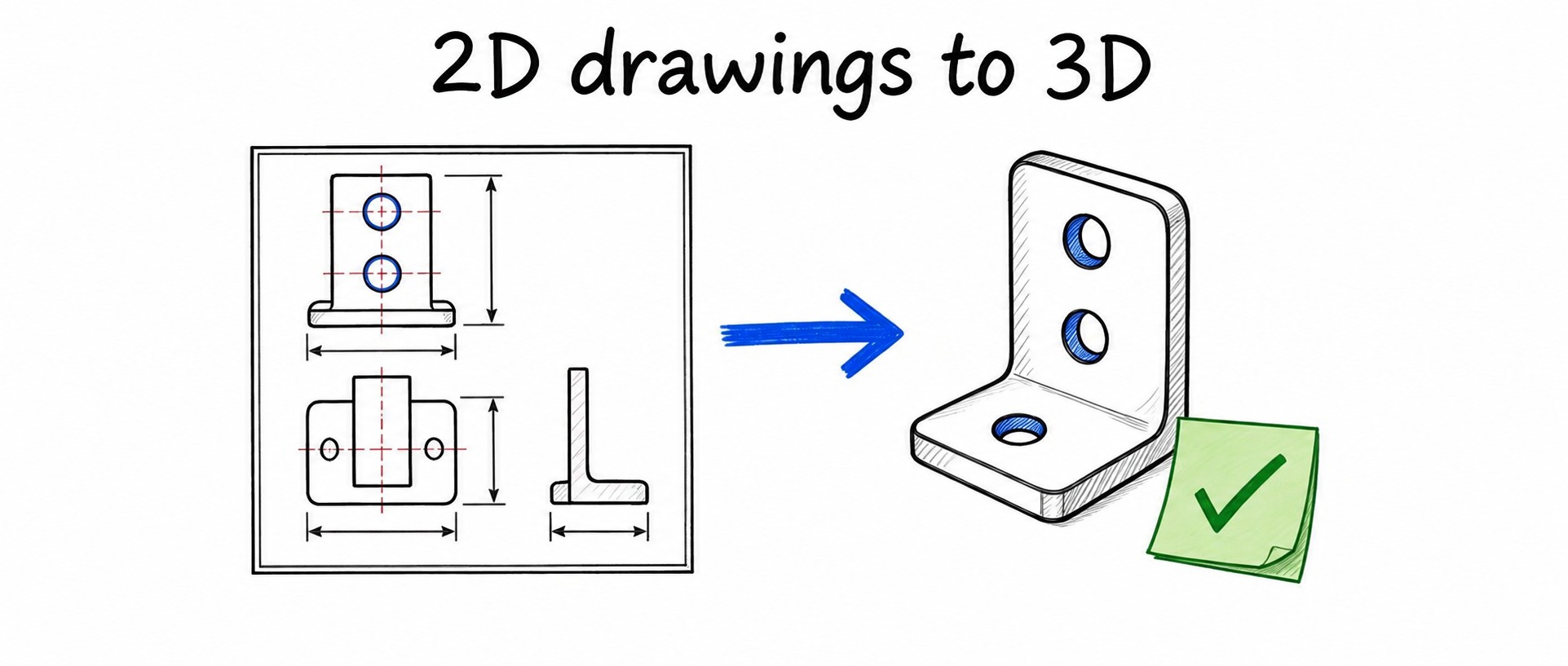
LEO: engineering design intelligence. The vendor lists converting specifications, requirements and natural-language prompts into structured parametric CAD; diagnosing model issues and improving performance; transforming legacy or imported data into parametric models that capture design intent; and supporting engineering review and documentation workflows. The AI page lists it as available today, with capabilities expanding through 2026 and beyond.
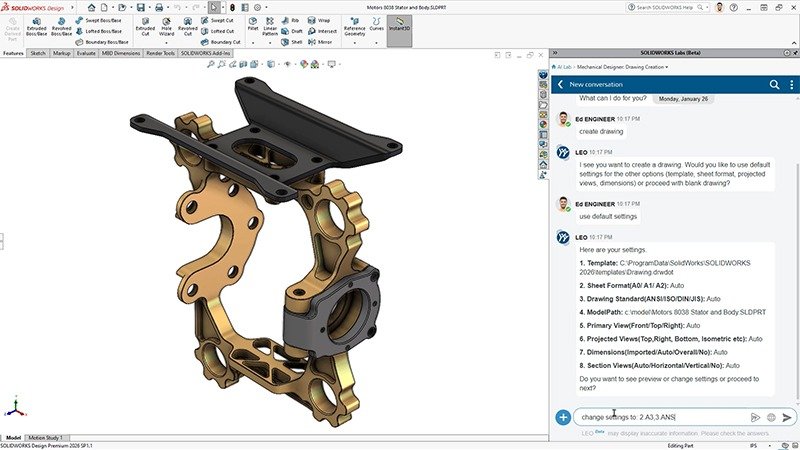
Figure 3: Asking LEO to create a drawing in natural language (official screenshot). Source: image from the SOLIDWORKS Design AI Overview page, © Dassault Systèmes.
The Companions page also introduces a third assistant, MARIE, aimed at research in materials science, hypothesis development and lab analysis. The commercial activation information focuses on AURA and LEO, so this article does not cover MARIE further.
3. Capabilities already listed in release notes
Marketing pages can read like wish lists. A more reliable reference is what each R2026x functional delivery (FD; SOLIDWORKS says there are five enhancement releases a year) actually lists. The items below are the ones most relevant to mechanical design, all taken from the official What's New page. Note that several are labeled Beta.
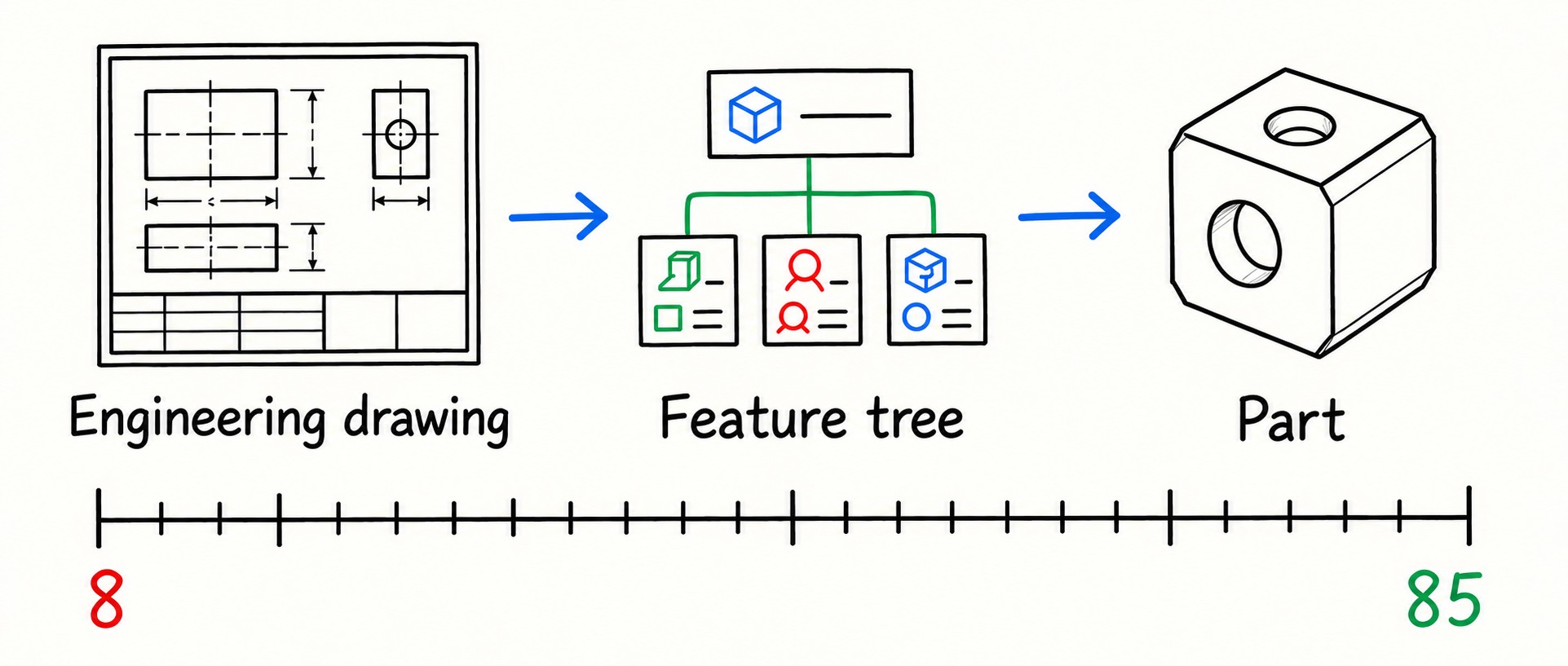
Drawings. FD01 (February 2026) added drawing generation through prompts (Beta): set the template, standards and primary view, refine the preview in conversation, then generate and save the drawing. FD04 (September 2026) enhanced it: LEO can handle sheet size, dimensioning and tolerancing, or apply your own standards across a bulk request.
Model errors and assembly structure. FD01's AI-powered What's Wrong analysis (Beta) uses conversational root-cause analysis to find what actually broke behind a cascade of warnings. The AI Assembly Structure Generator (Beta), from the same release, builds an assembly structure from a prompt; after you add, replace or reorganize components in conversation, it generates the SOLIDWORKS assembly and part files.
Large-assembly performance. FD02 (April 2026) added the Assembly Performance Evaluator (Beta), which analyzes assemblies and recommends improvements in response to natural-language prompts. With FD03's AI Large Assembly Management (July 2026), you can ask LEO to simplify heavy geometry, suppress unnecessary model threads and recommend a suitable lightweight strategy.
Change and quality checks. FD02's Design Change Impact (Beta) evaluates downstream effects before you make a change. FD04's Assembly Risk Assessment shows every assembly where an affected component appears. FD04 also checks parts, assemblies and drawings automatically against company-specific or industry-standard checklists.
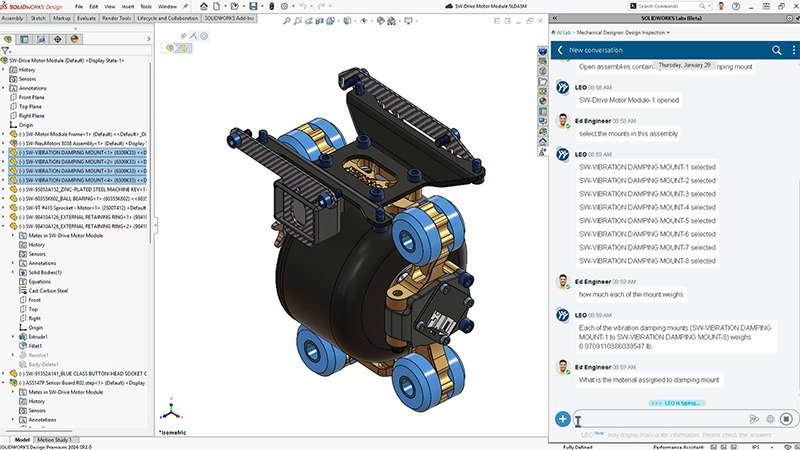
Figure 4: LEO selecting components in an assembly and answering property questions in conversation (official screenshot). Source: image from the SOLIDWORKS AI Virtual Companions page, © Dassault Systèmes.
The AI page's roadmap also lists Intent to CAD, Drawing Reconstruction, Manufacturing Documentation, Design Validation, Assembly Optimization and Engineering Guidance. Treat these as directions, not as features you can use with one click today.
Two more points matter. First, features roll out with each FD, so your version, whether Cloud Services is enabled and whether your organization has tokens available all determine what appears in your menus. Second, many items describe goals in natural language, and the resulting geometry and annotations still need human review. The official FAQ states that AI can identify issues, explain errors and suggest corrections, but engineers remain responsible for approving modifications.
4. Tokens, data security and the boundary with external agents
Billing. According to the official FAQ, commercial SOLIDWORKS Design Offer and SOLIDWORKS Design with Cloud Services customers can use AURA and LEO with no additional license required; usage is measured in tokens. An official blog post explains that these Blue Tokens are consumed only when a companion executes a skill and produces a result; simply chatting does not use them. This article does not estimate prices; check with SOLIDWORKS or your reseller.
Data security (vendor claims). Customer proprietary data is not used for training; default models are trained only on proprietary or synthetic data; and any future custom training stays exclusive to that customer. See the Dassault Systèmes Trust Center for details.
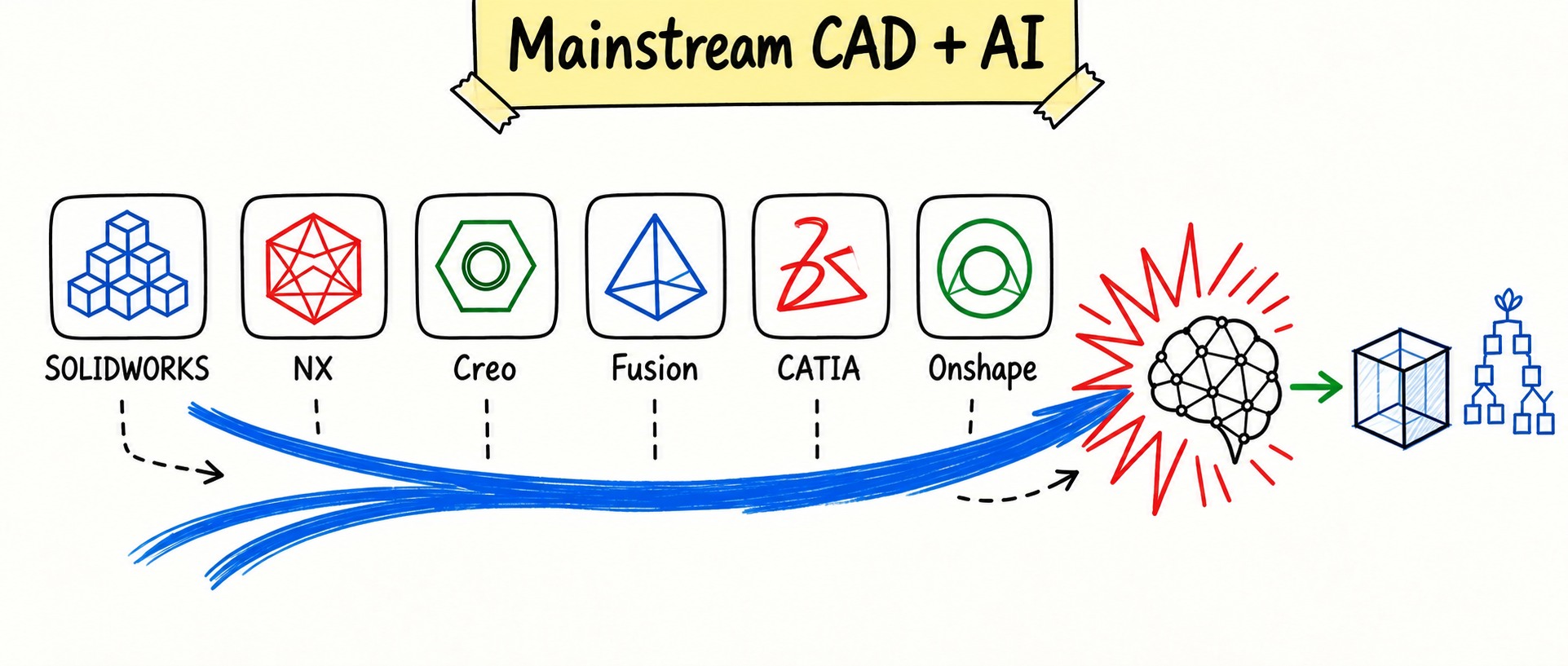
The boundary. SOLIDWORKS' official AI consists of in-product assistants plus workflow capabilities: they help you ask questions, create drawings, find performance problems and assess changes inside an open session. That is not the same as "any external agent can edit your feature tree through an official MCP server." As we noted in our survey of mainstream CAD and AI, connecting an outside agent to SOLIDWORKS today more often means a community MCP server wrapping the COM API, or a third-party add-in or desktop tool. Keep the two paths separate: one is Dassault's Companions built into the software, the other is you or a third party connecting an agent to a local session.
5. What it means for designers
By the vendor's account, the value lies in three areas: less menu hunting, less repetitive drawing and documentation work, and more time for concepts and judgment. Command prediction, conversational drawing creation, assembly structure generation and finding slow spots in large assemblies all target these pain points. But you still approve model changes, and design intent and delivery quality cannot be handed off to AI.
To actually use AURA and LEO, the requirements come down to three:
- License: a commercial SOLIDWORKS Design Offer or SOLIDWORKS Design with Cloud Services, connected to your organization's 3DEXPERIENCE platform.
- Version: the activation guide from reseller Hawk Ridge Systems requires SOLIDWORKS 2026 SP3.2 or later.
- Tokens: as a one-time introductory offer, each SOLIDWORKS Design license (including Design with Cloud Services) adds 2,000 tokens and each 3DSwymer role adds 100, all to a single organization-wide pool. According to Hawk Ridge, these introductory tokens do not renew and expire after one year; after that, tokens must be purchased.
Teams that cannot connect to the platform or have older licenses cannot use this official path for now and will have to look at community MCP servers or third-party add-ins.
Sources & further reading
- SOLIDWORKS: AI Built into SOLIDWORKS Design (AI overview page and FAQ) ↗Source region: International
- SOLIDWORKS: AI Virtual Companions page ↗Source region: International
- SOLIDWORKS: What's New in SOLIDWORKS Design (R2026x FD01–FD04) ↗Source region: International
- SOLIDWORKS blog: SOLIDWORKS AI 101: Understanding How Tokens Work ↗Source region: International
- SOLIDWORKS blog: Meet the SOLIDWORKS AI Design Companions ↗Source region: International
- Hawk Ridge Systems (reseller): How to Access the AI Virtual Companions ↗Source region: United States