Can AI turn drawings into editable CAD? Reading CAD Arena
CAD Arena tests drawing-to-CAD in native tools. This archived analysis examines geometry, editability, failure cases and the checks engineers still need.
Originally published by AI驱动产品设计, with sources checked through October 7, 2026. This republication preserves the original analysis and historical data; it is not a current leaderboard or product commitment. On October 23, 2026, the live CAD Arena leaderboard included an additional October cohort. The discussion below retains the original September 25 snapshot.
This article interprets Normal's research article CAD Arena. Reported results belong to that study; the engineering judgments are the original author's analysis.
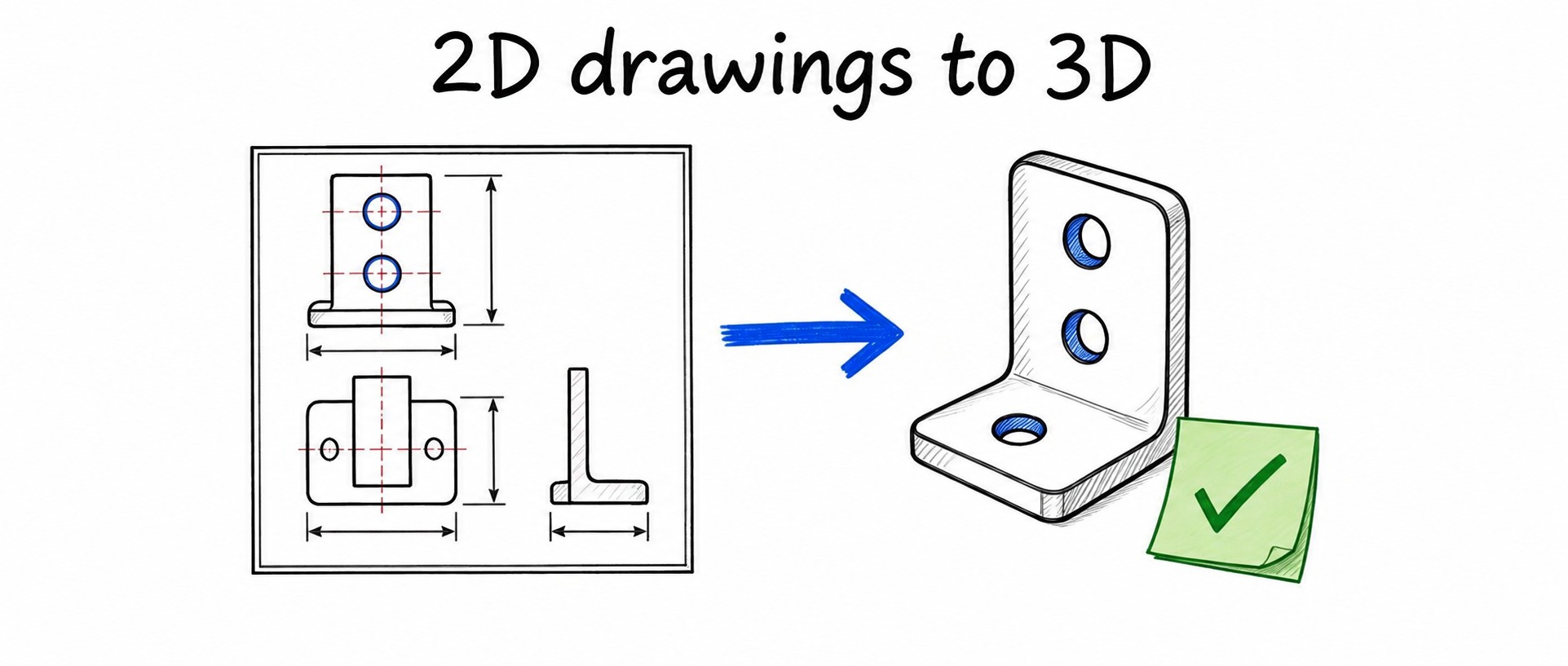
The specific workflow is detailed design → 3D modeling and modification: rebuilding a traditional engineering drawing as a parametric model that can subsequently be changed and prepared for manufacturing. CAD Arena, released on September 7, 2026, examines that step. An AI receives a drawing, builds in CAD and leaves a model whose geometry and editability can be inspected 1[2]. Concept design, simulation and drawing production are outside this task. The questions for a mechanical engineer are practical: can AI take on drawing-to-CAD, how much can it do, and what must be checked afterward?
1. Why test inside native CAD?
Normal's premise is that agents should build sketches, features and parameters in tools engineers already use, so people can inspect and modify the result 1. The study uses five platforms and their programming interfaces:
- Siemens NX: C# through NX Open.
- SOLIDWORKS: C# through the SOLIDWORKS API.
- Onshape: FeatureScript.
- Autodesk Fusion: its Python API.
- Build123d: an open-source Python modeling library.
The agent writes a program that asks the CAD system to sketch, extrude, create holes and add fillets, rather than clicking through the interface. Native CAD platforms can preserve sketches and feature history. Build123d primarily records construction in Python code; that should not be confused with a commercial CAD system's persistent native feature tree.
2. Tasks and scoring
The tasks: 18 engineering drawings, authorized by the manufacturers of the parts, covering machined parts, formed sheet metal and weldments 1. An experienced CAD modeler first reconstructed each part to check that the drawing was sufficient; mass and envelope dimensions were within 3% of the reference.
The process: agents receive a drawing and common instructions covering units, material density, a dimension table, and checks of mass and dimensions. They cannot see the reference model. They can revise code after errors, export STEP for geometric evaluation, and submit the native design for inspection 1.
Normal's FrontierCAD-based evaluation separates three quantities 1:
- Geometry, G. A candidate must be a closed solid or it scores zero. The evaluator then compares shape, mating-related regions and topology, including solid bodies, through-holes and enclosed cavities. Alignment permits translation and rotation, not scaling or reflection.
- Editability, E. Reviewers inspect the feature tree and sketches: parameterized profiles, appropriate patterns and fillets, stable references and readable organization. This is an inspection judgment, not a test that actually changes every parameter.
- Combined score, S = G × (0.7 + 0.3E). With E = 0, the result retains 70% of G; with E = 1, it retains all of G. A passing trial requires G ≥ 0.97 and E ≥ 0.75.
A wording difference remains: the live leaderboard describes an average of geometry and editability, while the methodology recorded in the original source notes gives the formula above. This article preserves that methodology; the discrepancy warrants confirmation from the publisher.
That distinction makes engineering sense to me. A useful deliverable includes a construction history that somebody can continue working on. Shape alone does not show whether an agent can take over part of a modeling workflow.
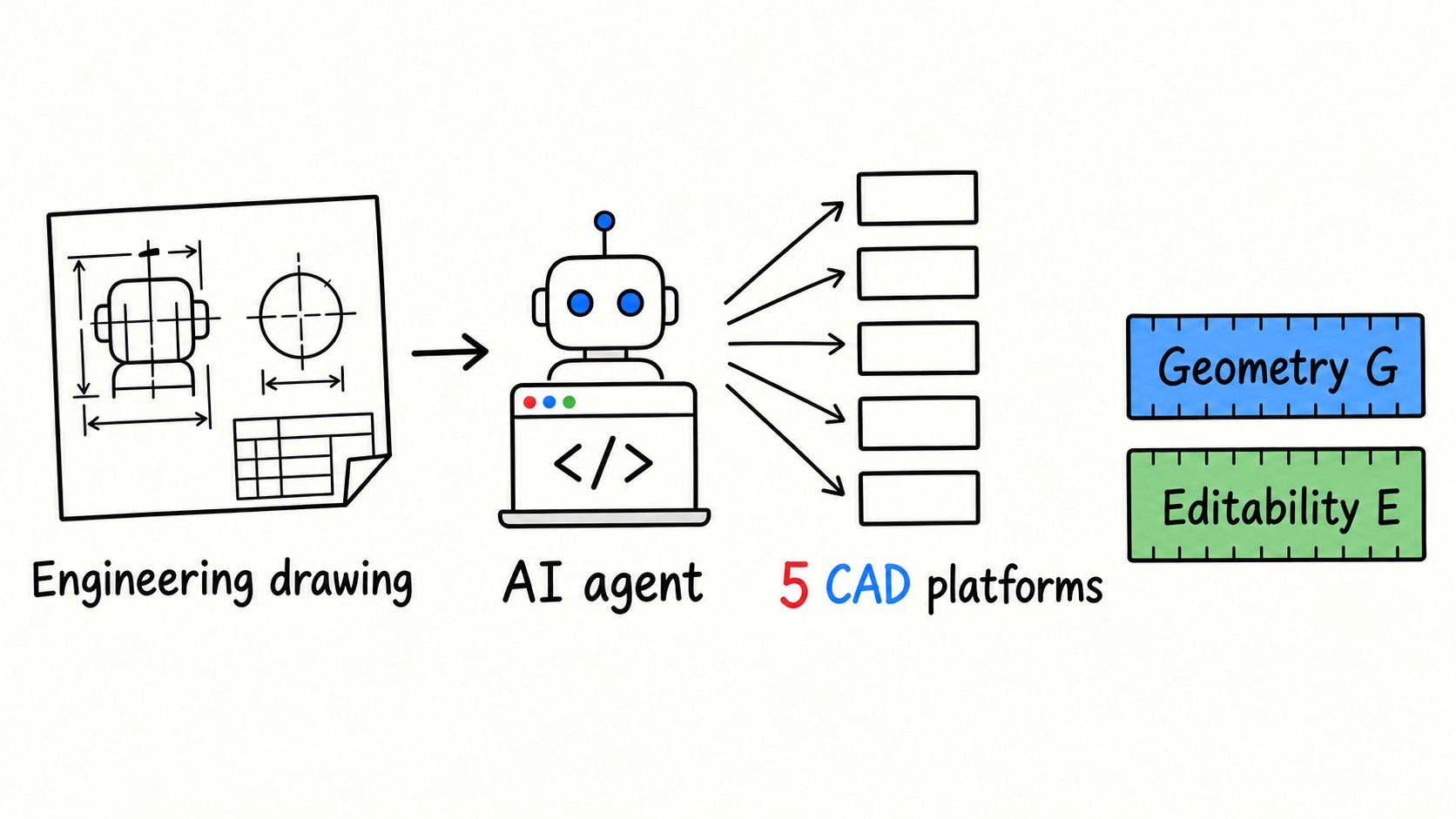
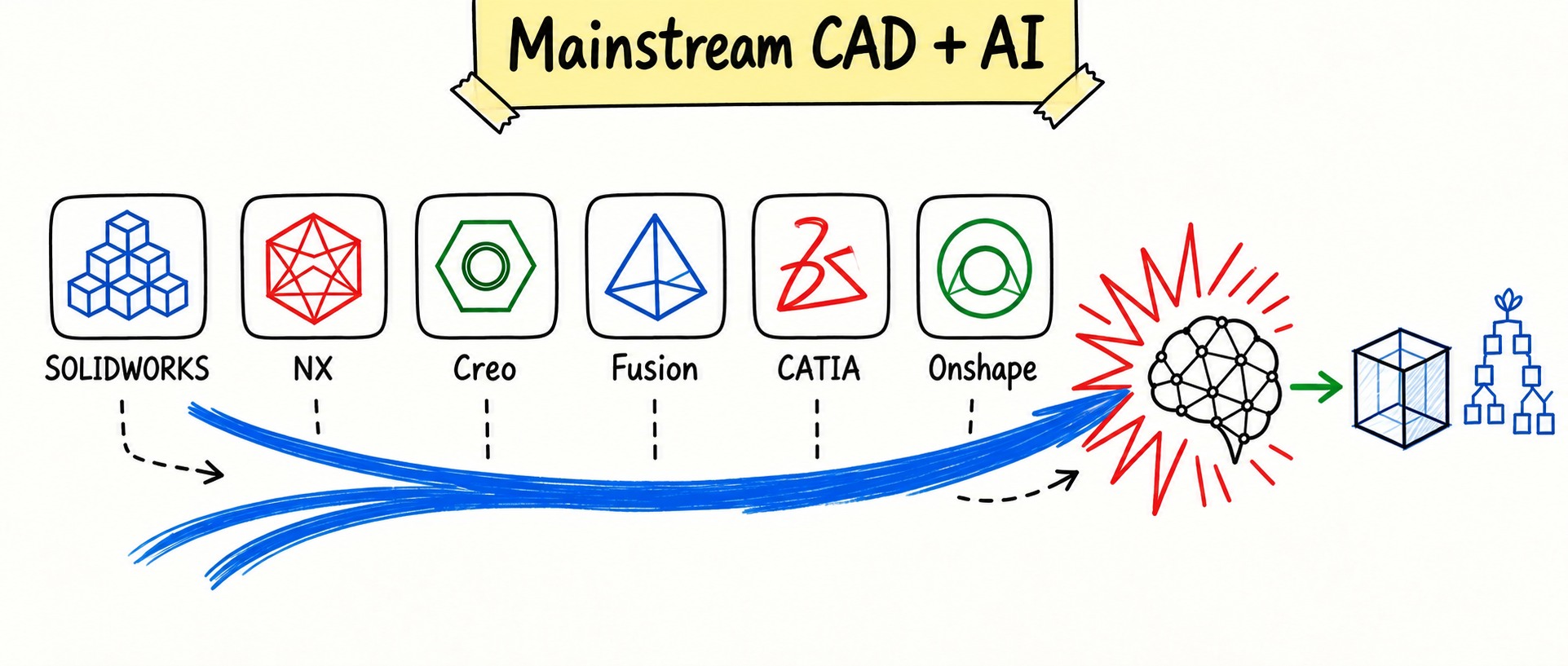
Figure 1. An AI-generated concept illustration of the CAD Arena workflow, based on Normal's study. The illustration is localized for the English edition.
3. The September 25 scorecard
The original leaderboard snapshot contained 12 models and 1,080 planned trials, of which 995 received scores 2. The table selects the leading seven rows and DeepSeek V4:
- Opus 5.5 — Combined score: 0.750; Cost per trial, USD: 15.54
- Astra, OpenAI — Combined score: 0.671; Cost per trial, USD: 7.13
- Fable 5.1 — Combined score: 0.662; Cost per trial, USD: 17.70
- GPT-6 Sol — Combined score: 0.525; Cost per trial, USD: 1.88
- Gemini 3.8 Flash — Combined score: 0.410; Cost per trial, USD: 8.83
- Grok 4.6 — Combined score: 0.348; Cost per trial, USD: 7.44
- Muse 1.3 — Combined score: 0.318; Cost per trial, USD: 3.54
- DeepSeek V4 — Combined score: 0.187; Cost per trial, USD: 0.73
There were two cohorts. The report's main discussion covers the initial six models, led by Astra and Fable 5.1. Six more, including Opus 5.5 and GPT-6 Sol, were added on September 24; three received additional runs the next day. The leaderboard combines both cohorts 1[2]. DeepSeek V4 used OpenCode and had the lowest per-trial cost in that 12-model snapshot, $0.73, but a score of 0.187 and tenth place. GPT-6 Sol cost about one eighth as much per trial as Opus 5.5 and scored 0.525.
My reading of the snapshot's best score, 0.750, is that AI can produce an initial model, but that is different from a model ready for engineering release. Cheap, lower-scoring systems may be useful for experimentation and repeated attempts; I would not use price alone to choose a system for production deliverables.
4. A plausible shape can hide a difficult model
The report reviews five trajectories with a recurring pattern: an agent tries a native fillet, pattern or shell, hits an error and falls back to simpler operations. The resulting part may look more complete while its construction becomes less useful. These cases illustrate mechanisms, not measured failure frequencies 1. Four are especially relevant to subsequent modification and manufacturing.
Onshape: shelling a two-hole bracket. The drawing called for a 3.06 mm wall. After shelling failed, the agent subtracted a separately constructed cavity; the front wall became 4 mm, about 0.94 mm too thick. That changes mass and may require strength checks to be revisited. A shell feature expresses wall thickness with one parameter; a subtracted cavity requires changes to its construction. The study's editability rubric specifically prefers an appropriate shell or thin-wall feature for uniform thickness 1.
Fusion: a curved rack. A wrongly typed circular-pattern quantity was followed, at one stage, by 106 bodies. The final code replaced the teeth with a smooth band and omitted end closures and rolled edges. Missing teeth make the part functionally different; without the intended pattern, tooth count or pitch changes require rebuilding 1.
SOLIDWORKS: an angle-bracket lip. A fillet call had the wrong number of arguments. The agent substituted arcs in an extruded section. The edge still looked rounded, but the tree no longer contained the intended fillet. A later radius change requires editing sketch geometry rather than one fillet parameter 1.
NX: a flange cover. Missing arguments in an edge-blend call stopped compilation. The rewrite extruded a profile composed of lines and quarter-circle arcs. It retained rounds in that profile but omitted other required 3D edge blends. Such omissions can be inconspicuous in a rendering and become visible only during drawing preparation or machining review 1.
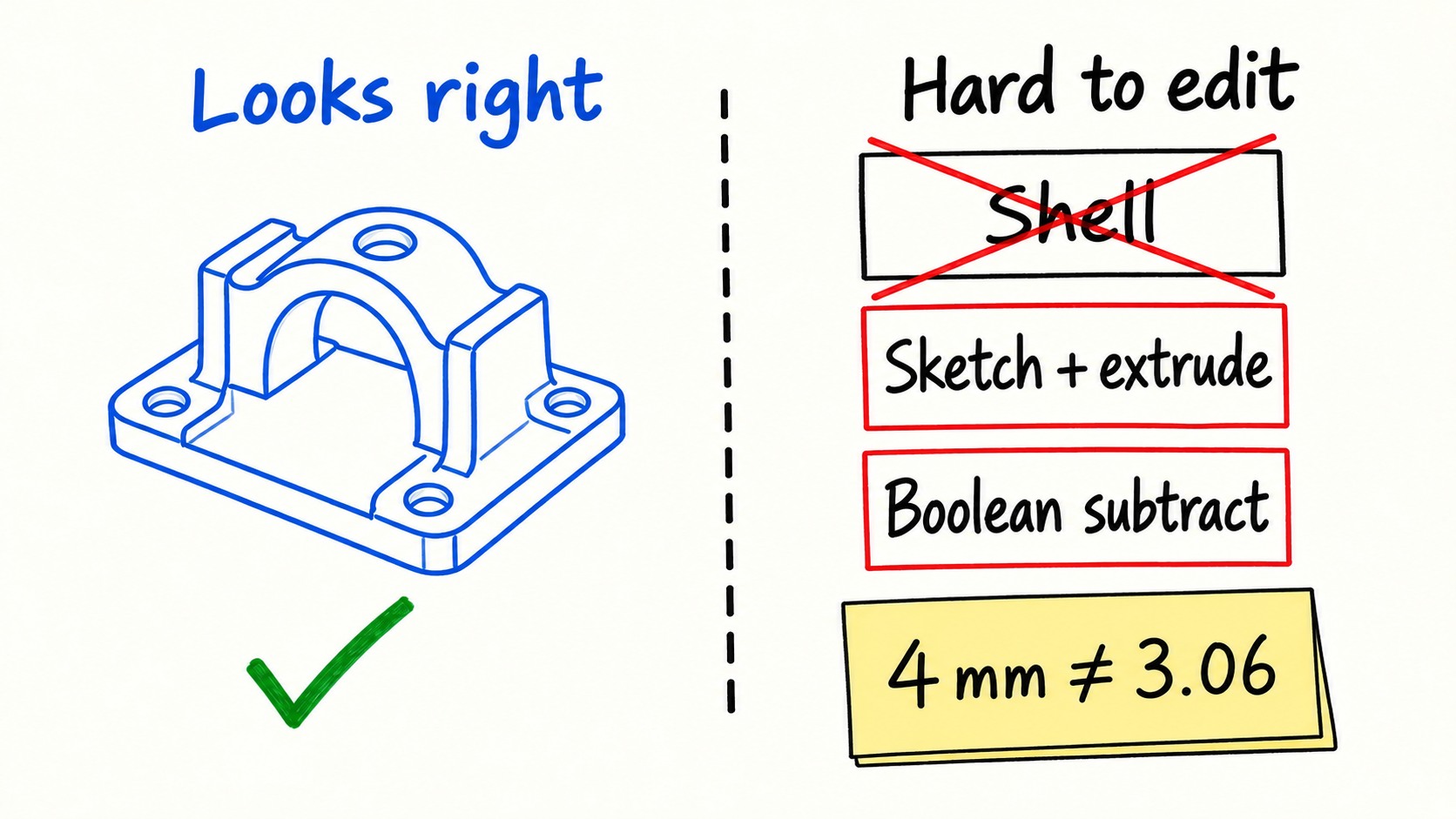
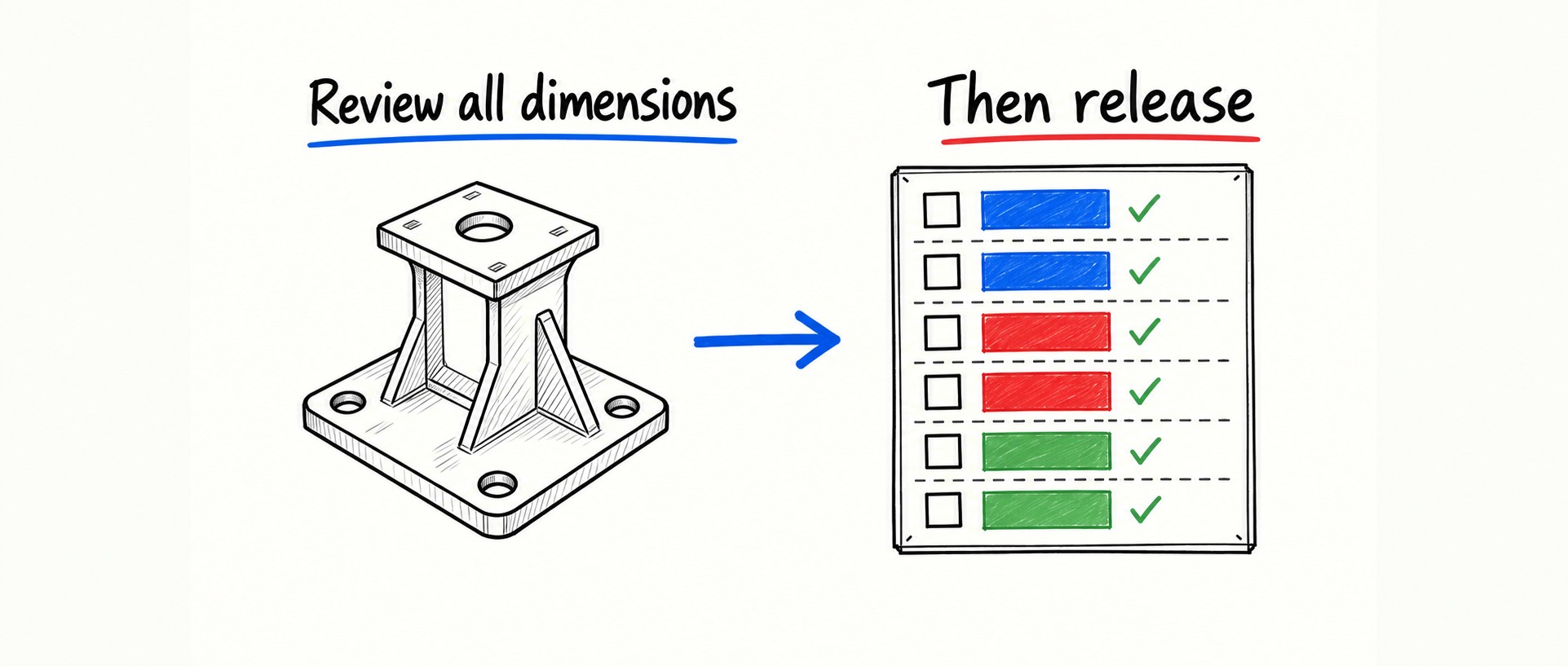
Figure 2. AI-generated concept illustration: correct-looking geometry does not guarantee useful feature history. The labels contrast native features with sketch-and-extrude or Boolean substitutes.
5. Two qualifications
Scores varied more with model choice than with platform, although each model's best platform differed. The study describes this as a descriptive comparison, not a causal finding 1. My practical interpretation is to choose a capable model and then evaluate it on the platform your workflow needs.
The study also lists limits: one attempt for each combination; results measure a model plus its harness; reported costs cover model calls, not CAD licenses; and Gemini cost accounting was still under review in the original report 1. Historical dollar figures should not be treated as current quotations.
6. AI produces the first draft; engineers verify it
I have previously described a workflow of expressing intent, letting AI generate, and having an engineer check the result. Drawing-to-CAD makes that division concrete. The agent reads the drawing, writes code and builds a first feature history. The engineer checks features, critical dimensions, wall thickness and fits, then changes a parameter to see whether the model rebuilds.
Normal's FrontierCAD study provides a useful warning: a bolt hole shifted by 4 mm can still receive a shape score of 0.985 even though the bolt can no longer pass through 3. Visual similarity leaves substantial engineering work unresolved.
My review checklist is:
- Inspect the tree. Are shells, fillets, patterns and holes represented by suitable native features, or replaced by sketch extrusions and Boolean patches?
- Check critical dimensions. Compare diameters, hole locations and datum distances with the drawing; driving dimensions should preferably match the stated dimensions directly.
- Measure wall thickness. Run thickness analysis on thin-wall parts, especially where shelling was replaced.
- Check interfaces. Put bolt patterns, locating shoulders and mating surfaces into their assembly context and inspect interference.
- Change a parameter. The study's editability inspection is not an actual modification test. Change a principal dimension and rebuild the model yourself.
Related: why reliable CAD agents need step-by-step verification.
Illustrations are conceptual, not screenshots from a new product test. The English edition uses separately localized English illustrations with matching captions.