Adam: from text-to-3D to 'the AI mechanical engineer' — a YC start-up's route in CAD
Adam is a YC-backed AI CAD start-up with a Copilot for Onshape and Fusion, a migration service that keeps feature history, and the open-source CADAM. We set out its code-plus-screenshot approach, integrations and pricing, and the gap between its marketing and its documentation.
In this article
Adam is an AI CAD tool from a US start-up, with its website at adam.new. The company was in Y Combinator's Winter 2025 batch and announced a USD 4.1 million seed round led by TQ Ventures in October 2025 [13]. It started with a text-to-3D app that spread widely on social media and has since turned to professional engineers; its website now calls the product "the AI mechanical engineer" and says it works in CAD, PLM and simulation tools and hands back finished work [1].
Using Adam's website, product documentation, changelog and the founder's blog, this article sets out its products, technical approach, integrations and pricing. Sources were checked as of October 29, 2026; we did not test the product, and the capabilities described are the vendor's own statements.
1. Products
Adam currently has three product lines.
Copilot edits models in existing CAD from prompts. The website lists four uses: replacing many clicks with one prompt for part edits; creating new features from the geometry the user selects; finding and merging duplicate features to make the feature tree more robust; and turning ad-hoc dimensions into linked variables for parametrization [8]. Onshape and Autodesk Fusion each have a dedicated extension [8]. The Onshape example task on the website is to inspect a Part Studio for the dimensions driving an enclosure, change the internal width to 80 mm while keeping wall thickness and screw clearances, and explain the plan before applying it [8]. The FAQ also says that Adam edits within the existing feature history and references, regenerates the model, shows the affected downstream features and BOM lines, and flags edits that would break a parent-child relationship instead of forcing a rebuild [1].
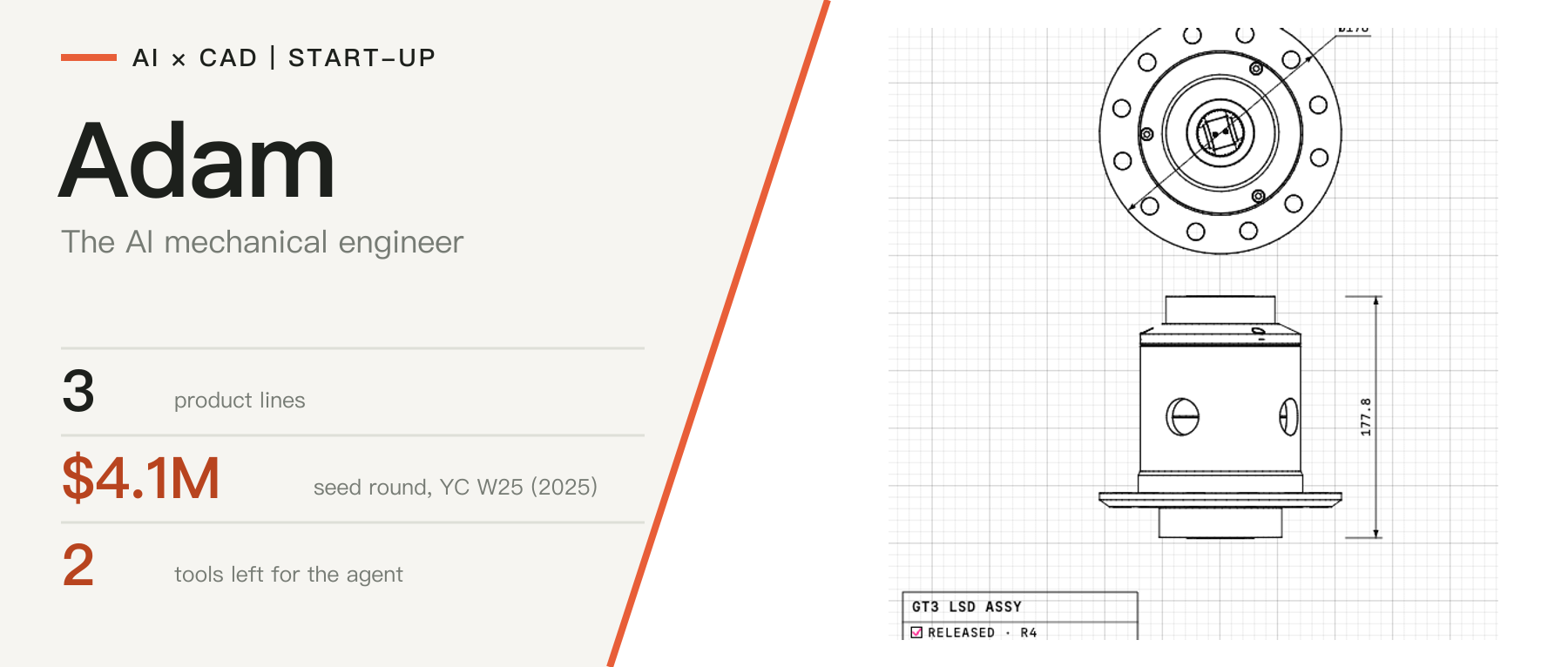
Migrations moves models between SOLIDWORKS, Onshape, Fusion, Siemens NX, CATIA, Inventor and Creo. The website says it rebuilds the feature history step by step in the destination system, checks each step geometrically, and transfers model metadata; the service is arranged with the company, which recommends starting with a representative part [7]. Parts shown on the page include the case of a Porsche 996 GT3 limited-slip differential and a Raspberry Pi 5 enclosure [7].
CADAM is an open-source text-to-CAD web app. Built on OpenSCAD and running in the browser through WebAssembly, it generates models from natural language or reference images, adjusts parameters with sliders, and exports STL, SCAD and DXF; the repository is licensed under GPL-3.0 and had about 5,300 stars on the check date [9].
2. Technical approach: code generation plus screenshots
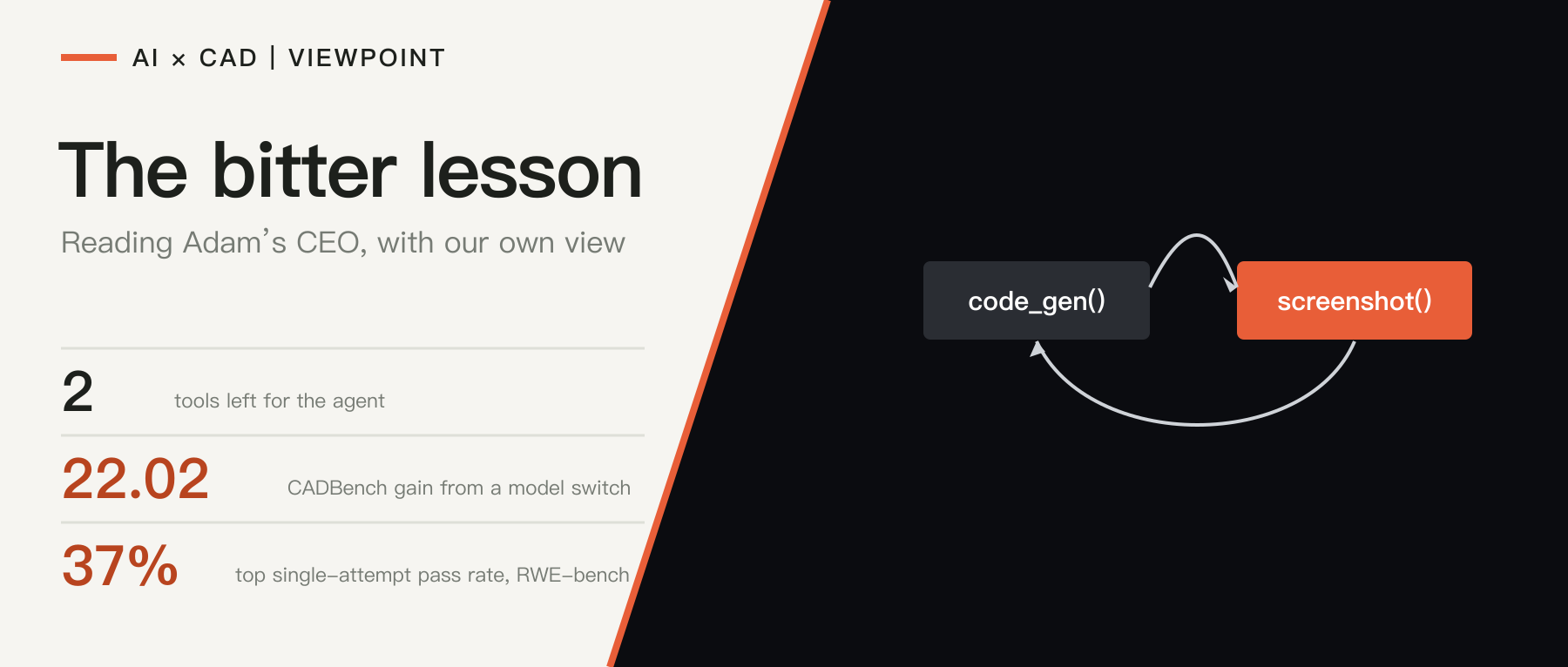
In a May 2026 blog post, founder Zach Dive explained Adam's technical choice [6]. Early versions used a CAD-specific language and hundreds of feature-specific tools to help the model reason about 3D space; these were all removed, and the agent now has only two tools: generating code that represents the CAD, and taking a screenshot of the model. The agent writes code, looks at the screenshot, decides what to build or fix next, and writes more code [6].
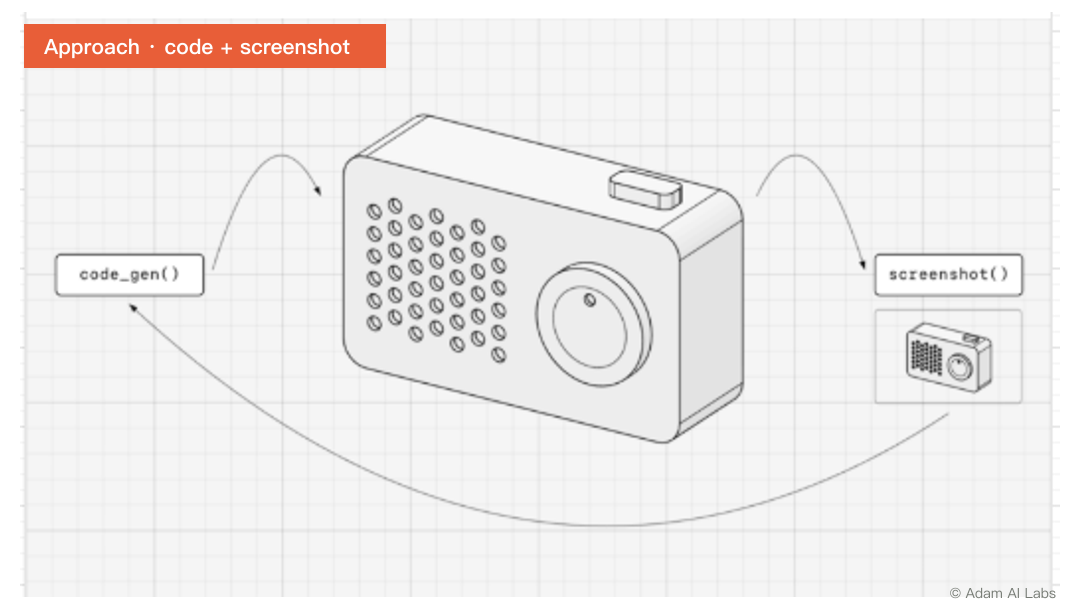
Figure 1: Image from the Adam blog showing the loop of code generation (code_gen) and screenshots (screenshot). Source: Adam blog, © Adam AI Labs; label added by CADFrontier.
The post gives two reasons. First, progress in general large models outpaces methods built for a specific domain, so Adam does not train its own CAD foundation model, and it says many competitors that did have failed. Second, the newest models can understand images — for example, noticing that a hole is on the wrong face — which makes the loop of writing code and checking the result workable [6]. The author concludes that the more a team builds a CAD-specific harness, the more brittle its product becomes when the next model is released [6].
3. Integrations and pricing
The homepage says Adam works with every major CAD platform, listing Fusion, Inventor, Onshape, Creo, Solid Edge, SOLIDWORKS, Siemens NX and CATIA, and for PLM lists Arena, Windchill, SOLIDWORKS PDM and Teamcenter [1]. The product documentation gives specific setup steps for Onshape (account authorization, plus an optional extension from the Onshape App Store), Fusion (an add-in), SOLIDWORKS through the desktop connector (Windows only), and Arena PLM [3][4]. The desktop connector can also reach Revit, Blender, SketchUp and Unreal Engine, and lets users connect their own MCP server [4]. The changelog shows Rhino 8 support added in September 2026 [10].
Adam also offers an MCP server in beta, which lets clients such as Claude, Codex and Cursor create projects, start tasks and retrieve files in an Adam workspace, along with a REST API [5]. On security, the website says Adam is SOC 2 Type I approved, encrypts data in transit and at rest, runs agents in per-user isolated sandboxes, and does not use model inputs for training [11].
On pricing, the free plan has a light daily quota and only a lightweight model; Pro is USD 40 a month and Max USD 200 a month with five times Pro's usage, and both can use the customer's own Codex plan; team and enterprise plans are by arrangement [2]. Models are grouped into Lite, Pro and Ultra tiers, and the changelog shows GPT-6 Astra has been added [10].
4. Discussion
There is a gap between marketing and documentation. NX, CATIA, Creo, Inventor and Solid Edge, as well as Windchill and Teamcenter, appear on the homepage but have no setup instructions in the product documentation [1][3]. We consider that these may be supported through the migration service or custom work, but readers should not take the homepage as evidence of ready-to-use plug-ins.
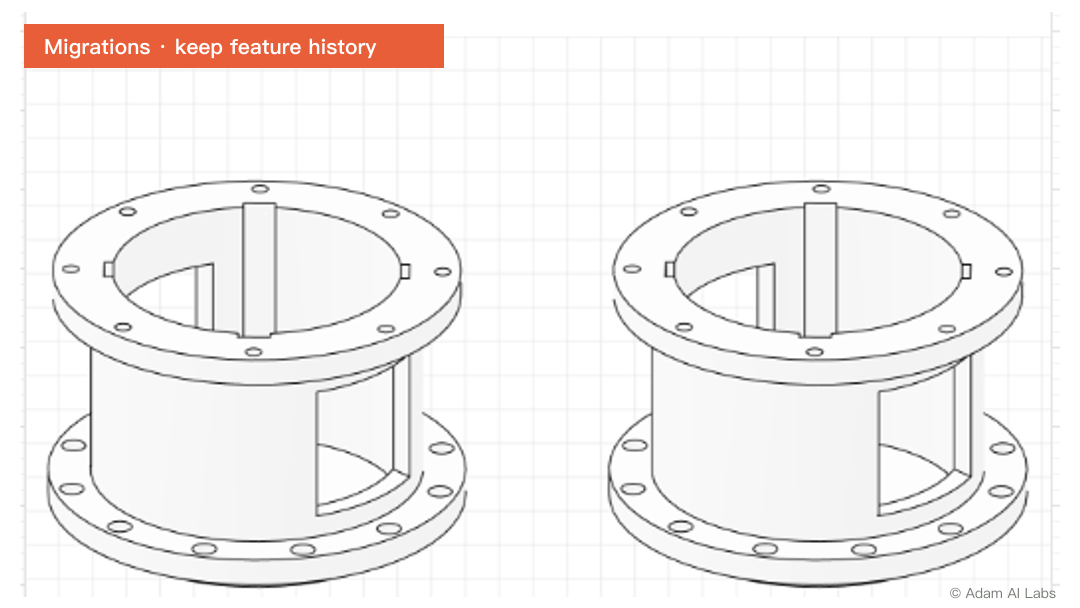
Figure 2: Image from Adam's migrations page, showing the same part rebuilt in two CAD systems. Source: Adam website, © Adam AI Labs; label added by CADFrontier.
The migration service addresses a real problem, but its results need testing. Keeping feature history when moving between CAD systems is a major obstacle when companies change software. The website itself advises testing with a representative part and a difficult example, changing a driving parameter and rebuilding, and recording unsupported features [7].
Competition comes from three directions. Adam's comparison page sets it beside three kinds of product: AI built into CAD by the vendors, such as SOLIDWORKS' AURA and LEO and Fusion's Autodesk Assistant; start-up products such as Zoo, Cosmon, Backflip and Leo AI; and connectors for outside AI, such as Fusion MCP and Onshape's FeatureScript MCP [12]. Its competition therefore comes not only from other start-ups but also from interfaces the CAD vendors open themselves.
The approach is a bet on general models. The "code plus screenshots" approach matches the thinking of open-source CAD agents; it benefits directly from model progress, but its ceiling and costs depend on the model vendors. Companies that would hand CAD data to a third-party service also need to check the data-security terms item by item [11].
5. Conclusion
Adam consists of three parts: a Copilot that edits models in Onshape and Fusion, a cross-system migration service that keeps feature history, and the open-source text-to-CAD app CADAM. Its technical position is clear: no specialized CAD model, but general large models that "write code and look at screenshots". On the public material, the CAD range supported in the documentation is narrower than the homepage claims, and companies need to verify the migration service with their own models.
Sources & further reading
- Adam homepage ↗Source region: International
- Adam: Pricing ↗Source region: International
- Adam Docs: home and integrations ↗Source region: International
- Adam Docs: Desktop Connector ↗Source region: International
- Adam Docs: Adam MCP ↗Source region: International
- Adam blog: The Bitter Lesson of AI CAD ↗Source region: International
- Adam: Migrations ↗Source region: International
- Adam: Copilot and Onshape pages ↗Source region: International
- GitHub: Adam-CAD/CADAM ↗Source region: International
- Adam changelog ↗Source region: International
- Adam: Trust & Security ↗Source region: International
- Adam: Compare Adam ↗Source region: International
- TechBuzz: Adam raises $4.1M after viral text-to-3D tool hits 10M impressions (press) ↗Source region: International