Reliable CAD agents: why every step needs verification
A successful tool call is only a starting point. Turning design requirements into checkable conditions gives long-running CAD agents a basis for reliable execution.
A CAD agent may need many reads, selections and edits to finish a task. A small deviation early in the process can grow into a larger problem in an assembly or drawing.
Read the actual state
Before acting, confirm the active document, units, configuration and selected objects. After a modification, read the result again instead of relying only on the description from before the operation.
Native CAD APIs can provide structured feedback. For example, SolidWorks’ GetCreateFeatureErrors method retrieves errors from the most recent CreateFeature call. This gives an execution layer evidence for its checks.
Turn requirements into acceptance conditions
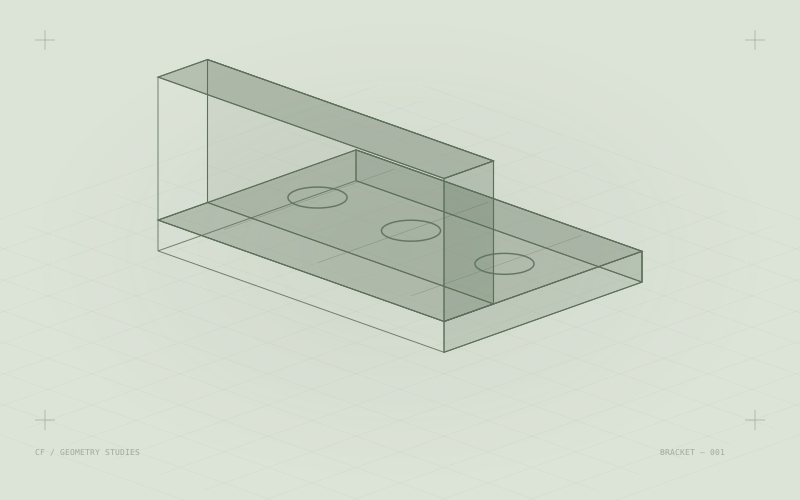
“Create four mounting holes” can be specified as a hole count, diameter, spacing, through direction and distance from the boundary. Each condition corresponds to a result that can be checked.
The validation layer also needs to distinguish API errors, geometric errors and unmet engineering requirements. A feature that reports no error may still use the wrong reference plane.
Recovering after failure
Long tasks should record each step’s inputs, results and check status, with checkpoints. Recovering a known state and repairing a local step makes failures easier to trace than repeatedly overwriting the entire model.
Final delivery still requires review of materials, dimensional chains and manufacturing requirements for the actual task. State the coverage of automated checks alongside the result.
This article discusses system design methods. It does not certify the reliability of any particular product.