Is commercial AI ready for drawing-to-CAD?
Using Backflip as a case study, this analysis separates vendor claims from third-party trials and explains where drawing-to-CAD still needs engineering checks.
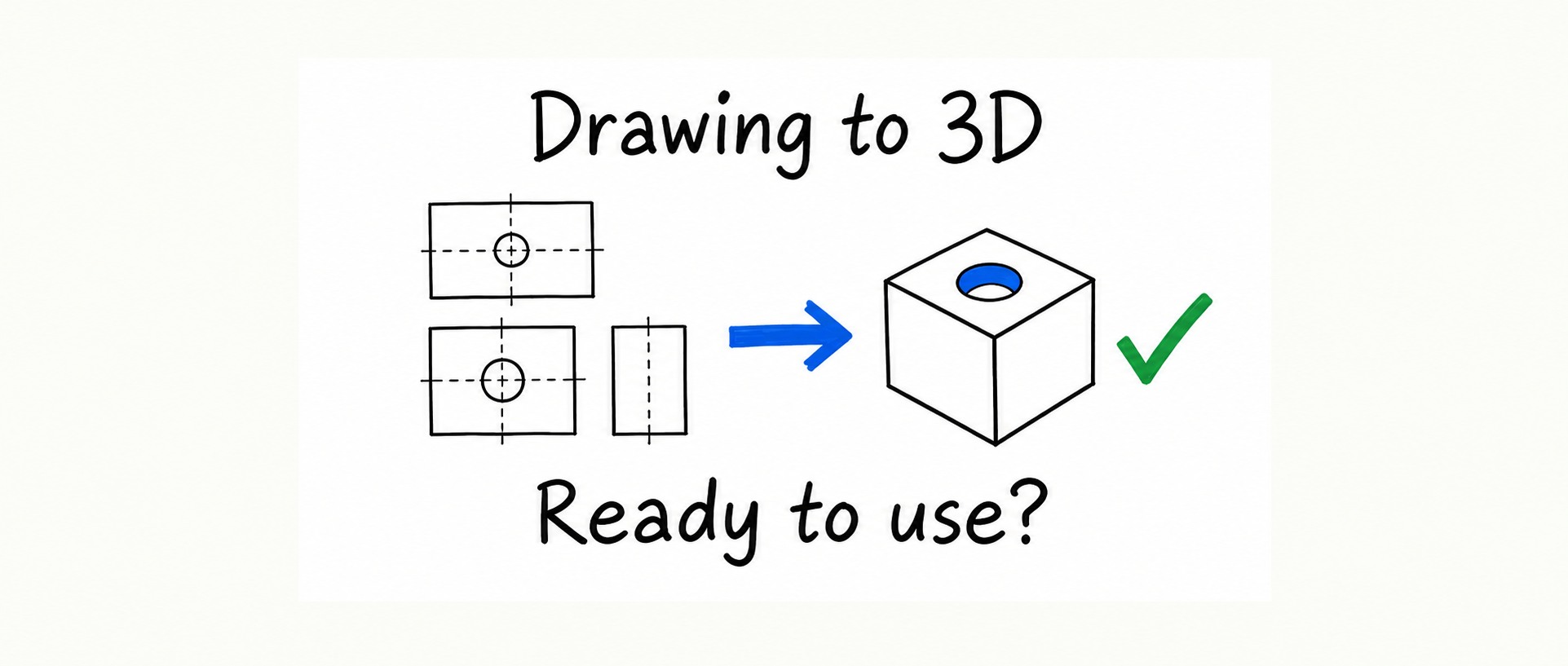
Originally published by AI驱动产品设计, with sources checked through October 8, 2026. This republication preserves the original analysis and historical product context. Prices, integrations and availability are dated observations, not current purchasing commitments.
The preceding CAD Arena analysis examined general-purpose models writing CAD scripts from engineering drawings. Its September snapshot topped out at 0.750 and showed that producing a shape does not guarantee useful feature history. This article turns to commercial products. It contains no new hands-on test by the original author; it asks how far public evidence supports practical use and where that evidence remains thin.
1. Comparing commercial approaches
There is still a substantial drawing legacy to rebuild. Adopting model-based definition (MBD) for new deliverables does not automatically reconstruct existing drawing archives.
The alternatives include manual reconstruction—Backflip's marketing estimated two to three days and about $1,500 per part—and CAD's own semi-automatic tools. For example, SOLIDWORKS' 2D-to-3D workflow can place DWG views on reference planes before a person converts them into features. Publicly documented AI offerings included:
- Backflip Drawing to CAD — Claimed output: Fusion feature history; STEP from the web application; Independent hands-on evidence found for the original article: Engineering.com tested three practice drawings
- Faber — Claimed output: STEP, or native SOLIDWORKS, Fusion or FreeCAD with feature history; Independent hands-on evidence found for the original article: None found in the original research
- Aibuild OS — Claimed output: Reconstruction in existing CAD, with engineering approval; Independent hands-on evidence found for the original article: None found
- Theia — Claimed output: AI with human validation; STEP delivery; Independent hands-on evidence found for the original article: None found
- Drawing Agent — Claimed output: The original survey described Claude Opus reading drawings and CadQuery modeling, in a testing phase; Independent hands-on evidence found for the original article: None found
“None found” describes the author's search, not proof that no independent test exists. These rows preserve the October 8 survey; product implementations can change. A team can also assemble its own general-purpose model and coding agent, following the broad route tested by CAD Arena.
2. Why use Backflip as the case study?
Four reasons informed the choice:
- An independent trial existed. Engineering.com published its hands-on article on September 30, 2026.
- Editable output was part of the proposition. Backflip said its Fusion output contained a native feature history, allowing changes to hole diameters and patterns.
- Published pricing made experimentation accessible. The original pricing observation was 50 signup credits, a Builder subscription at $20 per month for 100 credits, and Thinking jobs at 50 credits. The hands-on report said drawing-to-CAD was then restricted to Thinking mode: approximately $10 per conversion under that arithmetic.
- Its underlying approach differed from a general coding model. Backflip described a dedicated CAD foundation model.
Company background adds context rather than evidence of capability: Greg Mark and David Benhaim came from Markforged, and Backflip completed a Series A in December 2024. Drawing to CAD launched on September 17, 2026. Claims of reconstruction in 5–30 minutes for no more than $10, parallel conversion of drawing libraries, and factories having 3D CAD for less than 1% of equipment were vendor statements, not independent factory validations.
3. What the public evidence did not cover
The independent trial used TooTallToby practice drawings, rather than drawings from Chinese production workshops. The original author did not find a projection-method statement in Backflip's website or announcement. Chinese drawing practice commonly raises first-angle projection questions; confusing projection methods can reverse how views are interpreted. This was a missing public specification, not a completed test of GB-standard drawings.
Several important input classes remained untested or weakly covered in the material reviewed:
- Milled brackets with hole patterns: correct mass does not establish correct hole positions.
- Sheet-metal parts: the vendor emphasized three-axis machined and turned parts.
- Multibody weldments: the hands-on wire-shelf example exposed this boundary.
- Scanned blueprints and hand sketches: the trial did not establish the lower limit of input quality for old drawing archives.
4. The independent trial: two of three practice drawings
Engineering.com's editor selected three TooTallToby challenges. That platform uses part mass to check the modeling result.
- First drawing: mass was exactly correct. Backflip took 7 minutes 18 seconds; the average among 3,133 successful human attempts was 16 minutes 30 seconds.
- Second, harder drawing: mass was again correct. Backflip took about 10.5 minutes, versus a human average of nearly 34 minutes.
- Third drawing, a multibody wire shelf: the system created only one of seven bodies.
The reviewer explicitly cautioned that practice drawings lack the messiness and difficulty of real shop drawings. My interpretation is that a commercial system can produce a correct draft for some clear, single-body parts and can do so quickly in those examples. Three drawings, however, do not establish general reliability, and this was not a cross-product benchmark. The original author's October 8 searches found no Backflip entry in CAD Arena or CADGenBench.
5. Who generates the core geometry?
CAD Arena evaluates general models such as Opus, GPT, Gemini and DeepSeek writing CAD programs. Backflip described its core as a CAD-specific foundation model that learns construction sequences—extrudes, revolves and patterns—with agents layered around it to inspect and iterate. Thinking mode allows more effort. According to the historical reporting, a first-generation demonstration in early 2025 was not released because the output was difficult to edit; the team rebuilt the architecture before its August 2026 second generation. The model used specifically to read drawings was not disclosed.
For practical comparison, I divide the approaches into three broad groups:
- General-purpose model agent — Core geometry is generated by: A general model operating CAD or writing scripts; Examples in the original survey: CAD Arena systems; Aibuild OS; Primary model: CAD feature history where the interface supports it
- Dedicated CAD model — Core geometry is generated by: A specialized model with agentic checks; Examples in the original survey: Backflip; Primary model: Fusion history, or exported STEP
- Code as the model — Core geometry is generated by: Modeling code, often written by a general model; Examples in the original survey: Build123d, text-to-CAD, Zoo KCL; Primary model: The code file itself
The first and third categories can both use general models. The important distinction is where editable construction lives. A native CAD file and executable modeling code support different handover and revision workflows. For an engineering team, the output's editability and independently demonstrated behavior matter more than the model category alone.
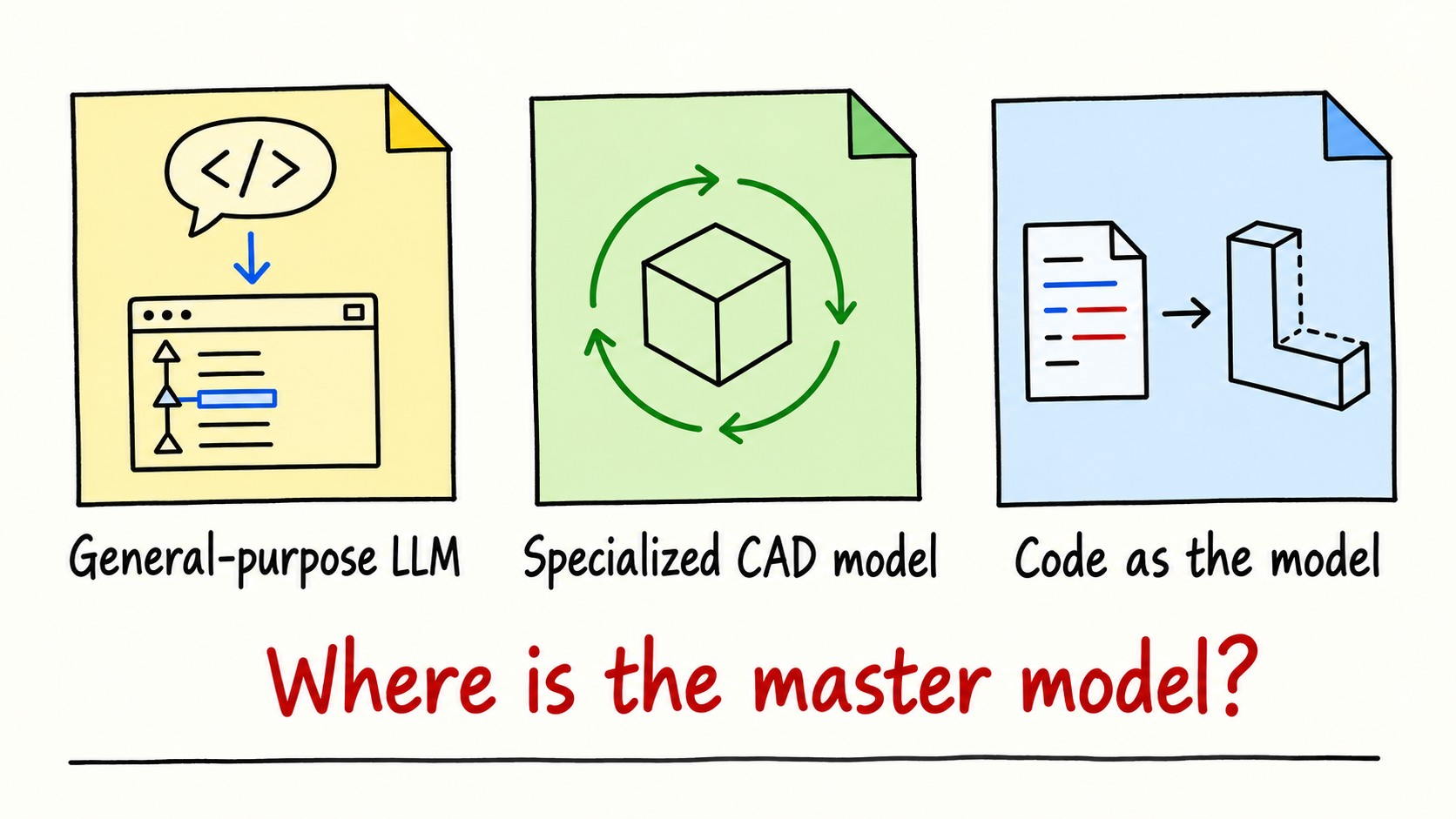
Figure 1. AI-generated concept illustration of the three routes. The labels ask where the primary model is stored.
6. What looks usable, and what still needs caution?
The strongest evidence for use as a draft was a clearly dimensioned, single-body machined part. Both successful examples fit that description. They do not establish performance on faded blueprints or complex assemblies.
Two propositions should remain separate from proven shop-floor capability:
- Spare parts and legacy archives: a vendor's target use case, including its parallel-processing claim; the trial did not include representative factory samples.
- Paying per draft: a historically accessible experiment at about $10 per job, not evidence that a batch of parts can be released without inspection.
The unresolved issues include:
- Multiple bodies, assemblies and complex surfaces. Only one of seven wire-shelf bodies was produced; the other categories lacked comparable public tests.
- Projection methods and GB drawings. The original review found no explicit projection-method statement, and the input classes above were not independently covered.
- CAD integration. In the hands-on report, the first Fusion import reconstructed only part of the geometry; the second still missed small holes. The reviewer downloaded STEP to complete mass checks. The historical offering consisted of a Fusion add-in and a web application; other CAD users relied on STEP without the same native history.
- Photo reconstruction. The vendor said three to six photos plus a known dimension could establish scale. A bottle opener reconstructed without a supplied dimension was oversized and had shape errors. A separate video-to-CAD test produced a well-scaled iPhone charger; the CEO attributed that partly to the model having seen such objects.
- Mass-only validation. Moving a hole can leave mass almost unchanged while making a part impossible to assemble.
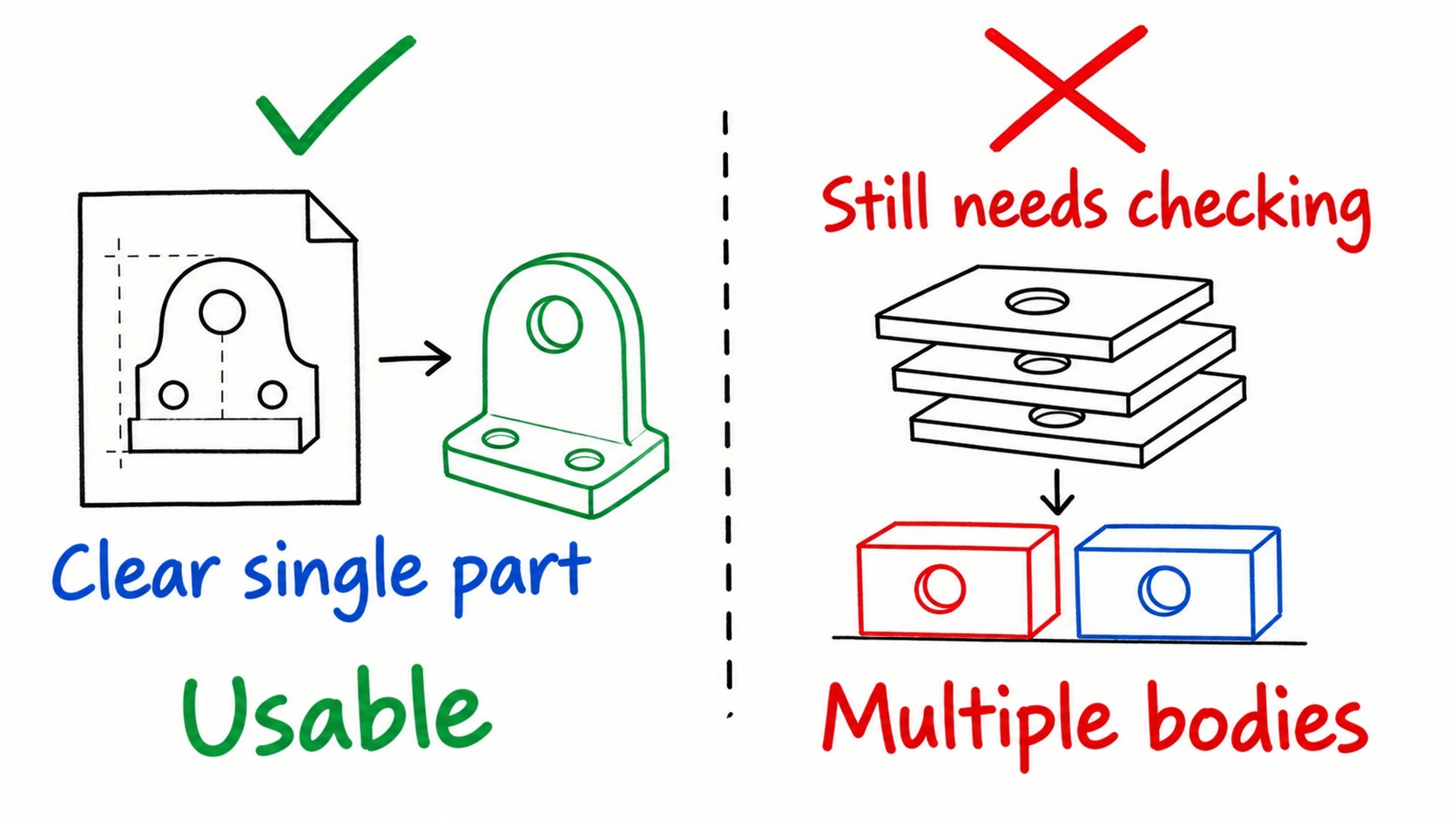
Figure 2. AI-generated concept illustration of relatively promising inputs and unresolved cases, not a measured reliability classification.
7. Treat the output as a draft
The earlier division of labor still applies: AI creates an initial model; an engineer checks it. My checklist adds two items to the CAD Arena review:
- Inspect native holes, patterns and fillets. For STEP-only output, decide whether feature reconstruction is necessary.
- Check mass, critical hole positions, diameters and datum distances against the drawing.
- Analyze wall thickness on thin-wall parts.
- Check assembly interference and mating interfaces.
- Change a principal parameter and rebuild.
- Validate bolt and pin interfaces in their assembly context.
- Count all bodies, then verify each one's dimensions.
8. The practical conclusion
Clear single-body machining drawings can be candidates for an AI-generated draft followed by engineering review. Multiple bodies, assemblies, uncertain projection conventions and untested input types still require caution. The original article found no comparative product trial broad enough to settle those questions.
For new designs, keep a suitable 3D or code model as the maintained source, rather than creating another part that exists only as an old drawing. For legacy reconstruction, judge the whole handover: geometry, editable structure, dimensions and assembly fit.
Related: six questions to ask when evaluating an AI CAD tool.
Illustrations are conceptual, not screenshots from a new product test. The English edition uses separately localized English illustrations with matching captions.
Sources & further reading
- Backflip product and integration overview ↗
- Backflip pricing and credit rules ↗
- Engineering.com: Welcome to the vibe-CAD era ↗
- Backflip: The Reverse Replicator ↗
- Faber Drawing to CAD ↗
- Aibuild 2D-to-3D workflow ↗
- Theia product overview ↗
- Drawing Agent product overview ↗
- Backflip Drawing to CAD launch coverage ↗